Tengesa POS User Documentation
Everything you need to know about setting up and running your business with Tengesa POS.
Overview
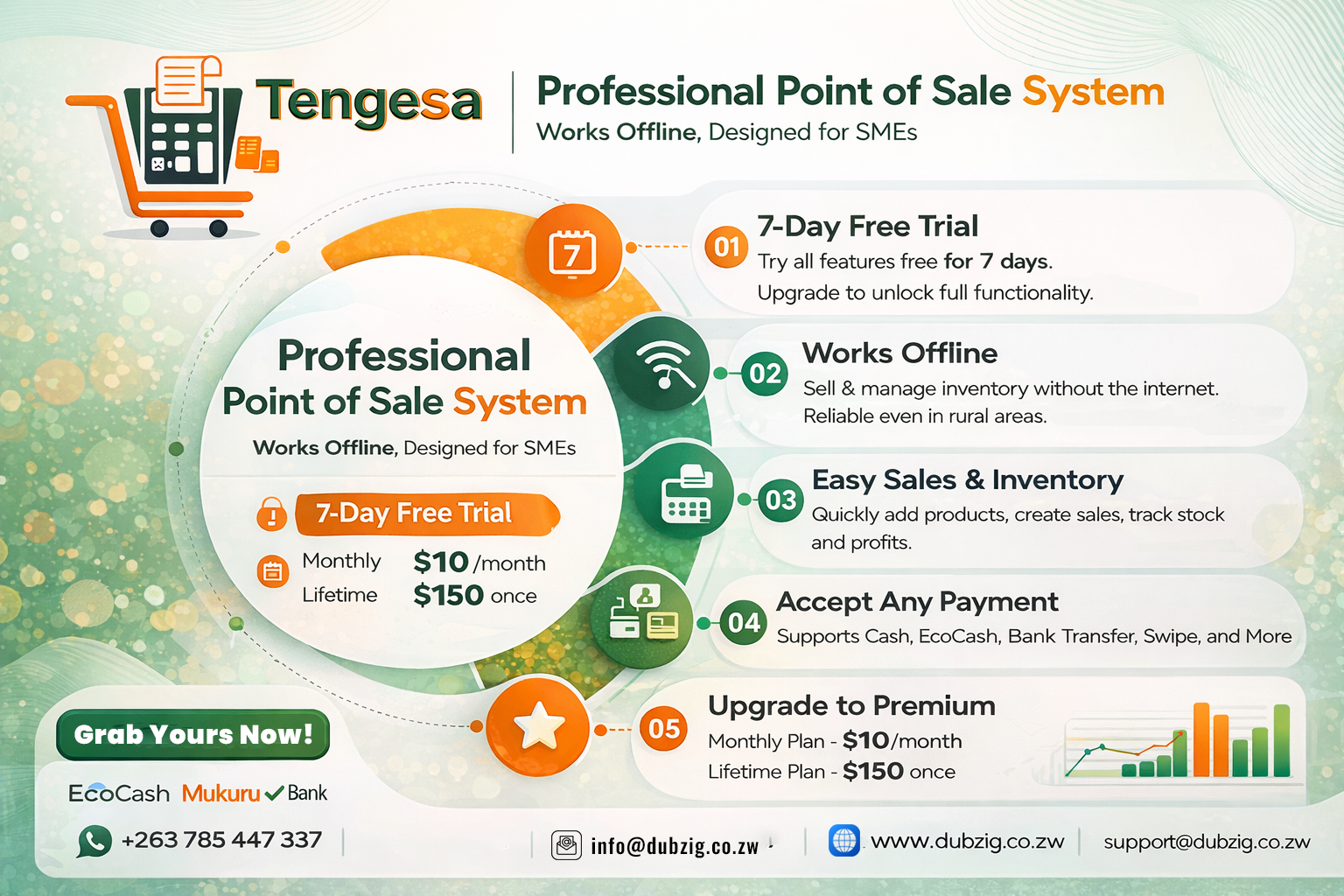
Tengesa POS is a professional, offline-capable Point of Sale system designed for small to medium businesses. It helps you manage sales, inventory, users, customers, and reports efficiently—even without an internet connection.
This documentation explains how to use Tengesa POS from setup to daily operations, using clear and simple language suitable for both technical and non-technical users.
Key Capabilities
Inventory Management
- Adding Products: Easily add items with categories, prices, and stock levels.
- Stock Adjustment: Track restocks, damages, or expirations with automatic updates.
- Low Stock Alerts: Get notified when items are running low to prevent stockouts.
Sales Operations
- Fast Checkout: Search or scan barcodes to add items to cart quickly.
- Multiple Payments: Support for Cash, EcoCash, Bank Transfer, and Credit.
- Digital Receipts: Generate receipts instantly and share them or print via Bluetooth.
User Roles & Permissions
| Feature | Admin | Manager | Cashier |
|---|---|---|---|
| Make Sales | ✅ | ✅ | ✅ |
| View Reports | ✅ | ✅ | ❌ |
| Manage Inventory | ✅ | ✅ | ❌ |
| Manage Users | ✅ | ❌ | ❌ |
| Refund Sales | ✅ | ✅ | ❌ |
Reports & Analytics
- Sales Reports: View daily, weekly, monthly, and yearly performance.
- Profit Tracking: Analyze gross profit based on cost and selling prices.
- Customer History: Track purchase history and outstanding credit for regular customers.
System Requirements
- Android smartphone or tablet
- Android 8.0 or later (recommended)
- Minimum 2GB RAM
- Camera (for barcode scanning)
- Bluetooth (for receipt printing)
- Internet NOT required
Security & Trust
Data Safety
All your business data is stored locally on your device in a secure database (`pos.db`). We recommend exporting data regularly for backup.
Access Control
- Secure PIN: Every user account is protected by a 4–6 digit PIN.
- Biometric Login: Enable Fingerprint or Face ID for faster, secure access.
- Audit Trail: Track which staff member performed each transaction.
Installation Guide
1. Download & Install
Download the APK from our website and allow "Install from unknown sources" when prompted by Android.
2. Setup Wizard
When you open the app for the first time, follow these steps:
- Business Info: Enter your name, address, and business type.
- Currency: Select your operating currency (USD, ZAR, etc.) and tax rate.
- Admin Account: Create your main administrator username and PIN.
Licensing & Trial
We believe in our product, which is why we offer a 7-day full-feature free trial for all new installations.
How to Activate Premium
- Generate a reference code within the app settings.
- Make payment via EcoCash, Bank Transfer, or Mukuru.
- Send proof of payment to our support team.
- Enter the provided license key in the app to unlock permanent access.
Pricing
Monthly Plan
$10
per month
Lifetime Plan
$150
pay once, use forever
Support & Contact
Need help or have questions? Our team is ready to assist you.
WhatsApp / Call
0785447337
Email Support
support@dubzig.co.zw
Tengesa POS – Making business easy.
© 2026 DubZig Investments Pvt Ltd